
Tip: If you have access to Ethernet the tablet can be connected to the internet through the Ethernet port at the top of the tablet, the wireless USB Adapter is not needed and the user can simply connect the Ethernet and connect to the robot's WiFi
Upon shipment, a USB adapter was provided. This adapter lets the device maintain two simultaneous Wi-Fi connections, which is necessary to connect to both the robot and the internet: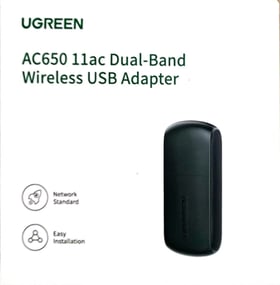
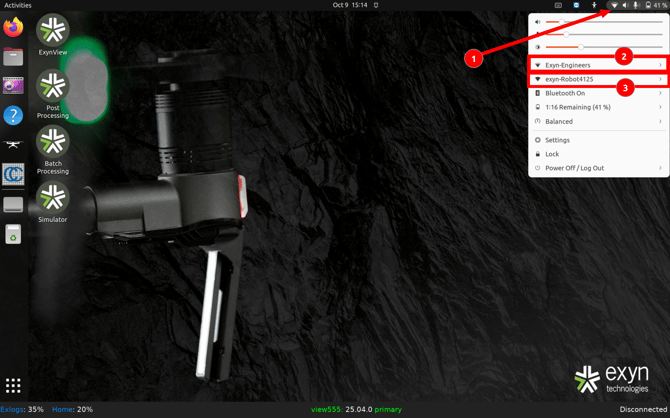
Plug in the adapter and after hitting the top right battery/WiFi icons (1) of the tablet, you should see that there are WiFi 2 network locations available. connect the first one to the internet (2), and connect the second one to the robot (3). This will ensure that bot can access the internet. Please remember to keep the robot on and nearby.
A. Fleischhacker, Ver. 25.10.3